How to Unlock an EMI Locked Phone — What Borrowers Need to Know
If your phone has been locked because of a missed EMI payment, you are not alone. This guide explains exactly why EMI phone locks happen, how they work, and the steps you can take to unlock your device quickly.
Why Is Your Phone Locked?
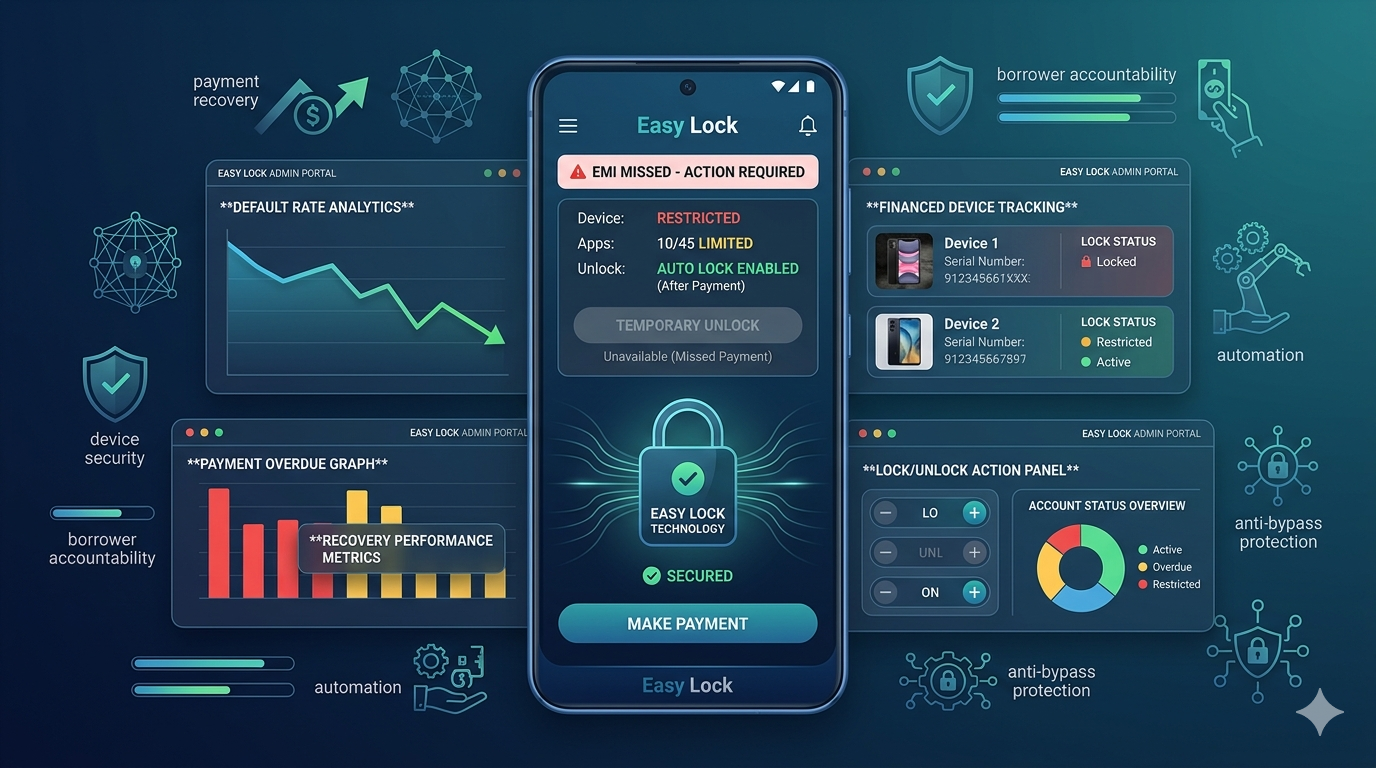
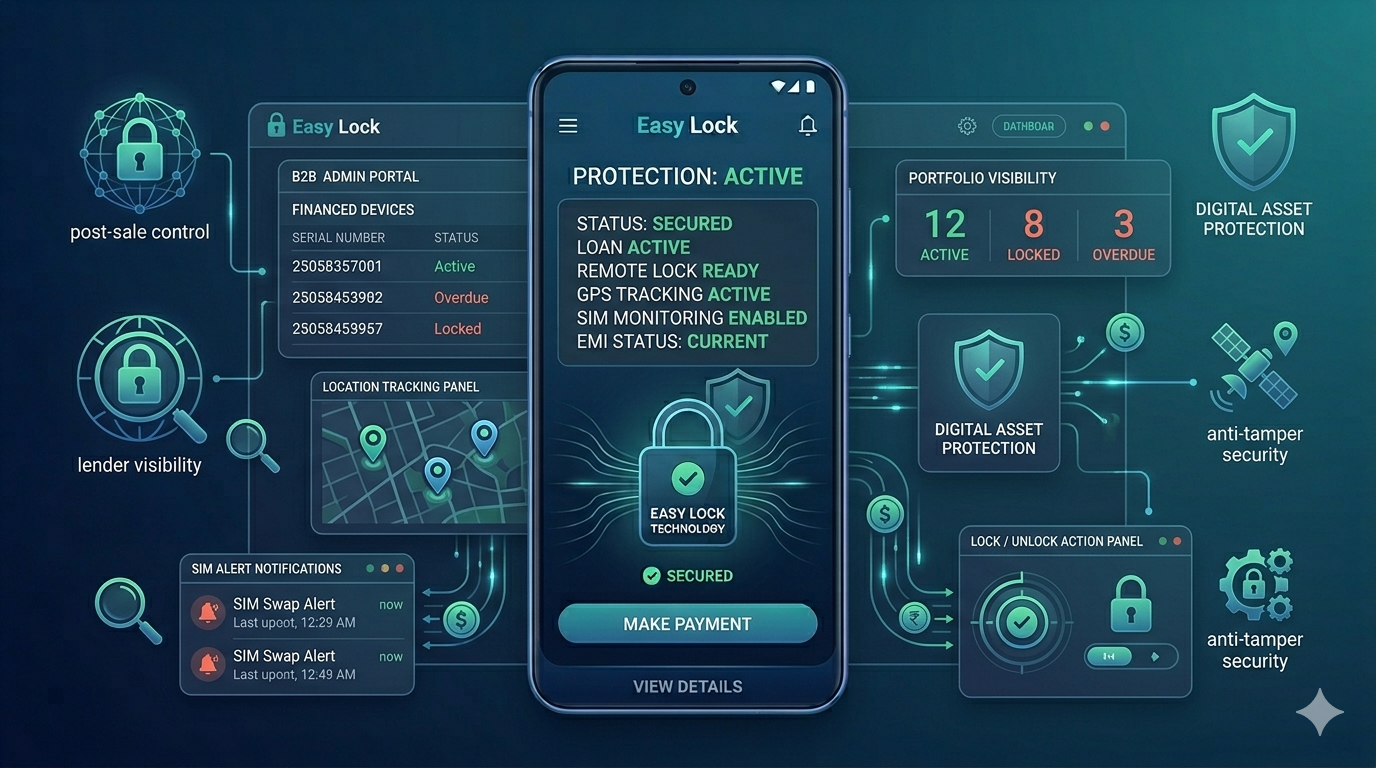
When you buy a smartphone on EMI or installment financing, the lender or retailer installs a device management app — commonly called an EMI lock app or finance lock app — on your phone at the time of purchase. This app gives the lender the ability to remotely restrict or lock your device if an EMI payment is missed or overdue.
The lock is not a malfunction or a virus. It is a deliberate feature of the financing agreement you signed. The lock screen usually displays a message explaining that your device is restricted due to an overdue payment, along with contact details for the lender.
This technology is used by banks, NBFCs, fintech companies, and mobile retailers across India to protect their financed devices and encourage timely repayment.
What Happens When an EMI Locked Phone Is Locked?
Depending on the lender's settings, the restriction can be partial or complete:
Partial lock: Certain apps like social media, entertainment, or payment apps may be disabled while you can still make emergency calls.
Full lock: The device becomes fully restricted and displays a lock screen message until the overdue amount is cleared.
The lock cannot be removed by factory resetting the phone. Modern EMI lock apps use FRP (Factory Reset Protection) to survive resets. Attempting to bypass the lock through unofficial methods may permanently damage the device or void your warranty.
How to Unlock Your EMI Locked Phone
There is only one legitimate way to unlock an EMI locked phone: resolving the payment with your lender. Here are the steps:
Step 1 — Read the lock screen message. It will tell you which company locked the device and provide a phone number or contact method. Note this down.
Step 2 — Contact your lender or retailer. Call the number shown on the lock screen or visit the store where you purchased the phone. Explain your situation and ask about the outstanding amount.
Step 3 — Make the payment. Clear the overdue EMI amount. Most lenders accept UPI, bank transfer, or in-store cash payment. Always ask for a receipt or confirmation.
Step 4 — Request unlock. Once payment is confirmed, the lender unlocks your device remotely through their dashboard. This usually happens within a few minutes to a few hours.
Step 5 — Offline unlock code (if applicable). If your phone has no internet connection, some EMI lock apps support offline unlock codes. Ask your lender for this code and enter it on the lock screen to restore access.
What If You Cannot Reach Your Lender?
If you are unable to contact the original lender or retailer, try these steps:
Check your original purchase invoice or financing agreement for contact details. Search for the lender's customer care number online. Visit the retailer's store in person. If the business has closed, contact the finance company directly (their name is often shown on the lock screen).
Do not attempt to use third-party tools, flash new firmware, or physically tamper with the device to bypass the lock. These actions are unlikely to succeed and can permanently damage your phone.
Can You Bypass an EMI Lock Without Paying?
No — not legitimately. EMI lock apps installed through Android Device Administration or Android Enterprise use system-level permissions that survive factory resets. Attempts to bypass the lock without the lender's cooperation are generally ineffective on properly protected devices.
Trying to bypass an EMI lock may also have legal consequences depending on your financing agreement terms.
Tips to Avoid Your Phone Getting Locked Again
Set up auto-pay or payment reminders a few days before each EMI due date. Keep your lender's contact number saved so you can reach them quickly if there is a payment issue. If you anticipate difficulty making a payment, contact the lender proactively — most lenders prefer a conversation over locking a device.
Some lenders also offer grace periods or payment rescheduling options for genuine hardship cases. Asking early gives you more options.
For Lenders: How EasyLock Handles Unlock Smoothly
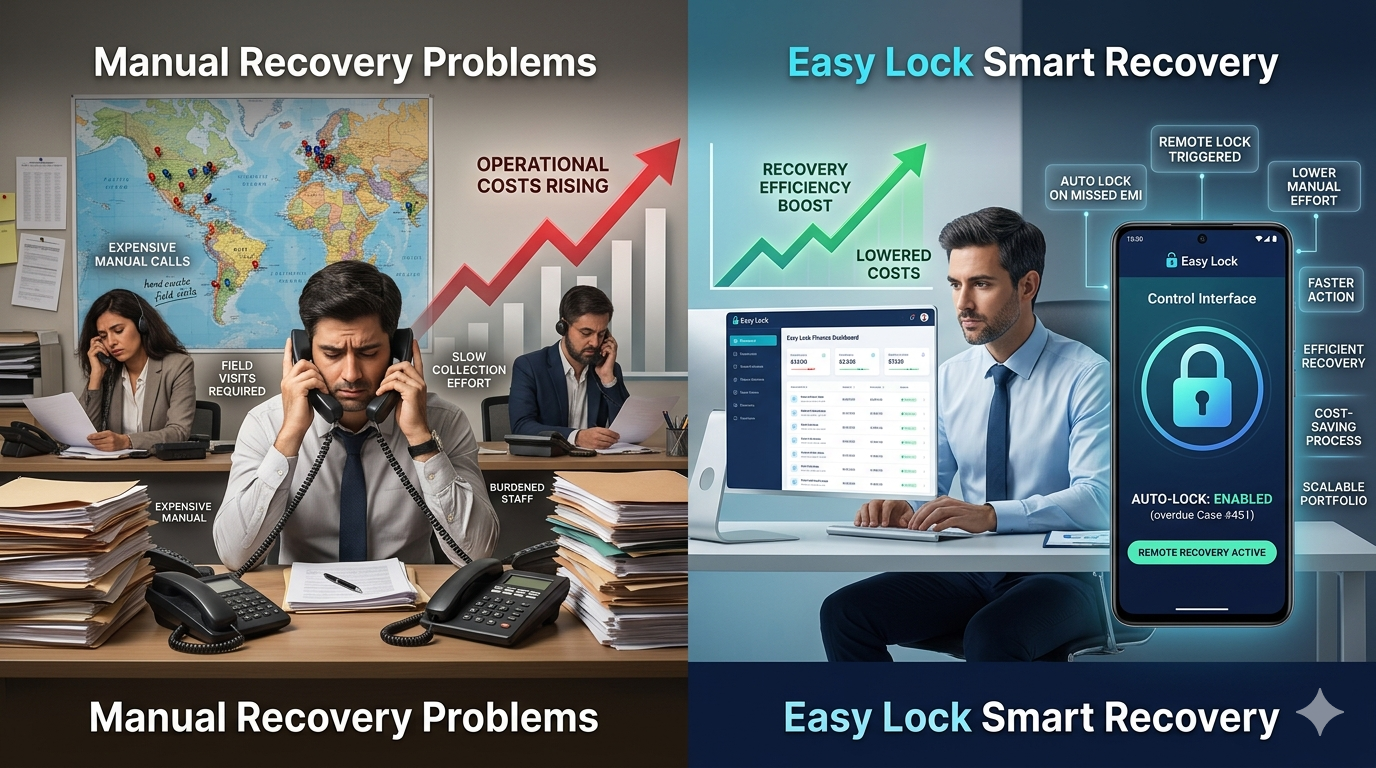
EasyLock provides instant remote unlock from the dashboard the moment payment is confirmed. Customers receive full access back within minutes — no delays, no manual processes. The platform also supports offline unlock codes for customers in low-connectivity areas, ensuring a smooth experience even without internet access.
If you are a lender looking for a fair, transparent EMI lock solution that protects your portfolio while maintaining customer trust, contact us to learn more about EasyLock.
Conclusion
An EMI locked phone is unlocked by clearing the overdue payment with your lender and requesting a remote unlock. There is no shortcut or bypass. The fastest path to getting your phone back is simply contacting the lender and resolving the payment — most unlocks happen within minutes of payment confirmation.
Also helpful: how to remove EMI lock from phone explains the full de-enrollment process once your loan is closed. Not sure if your phone is locked? See how to check if your phone has a finance lock. If you missed payments, read what happens if you don't pay phone EMI.
Download EasyLock on Google Play
Join 50,000+ lenders and retailers protecting financed devices across India.