How to Check If Your Phone Has a Finance Lock
Whether you just bought a second-hand phone, received a device as a gift, or want to verify your own phone's status — here's exactly how to check if a phone has a finance lock or EMI lock installed.
What Is a Finance Lock on a Phone?
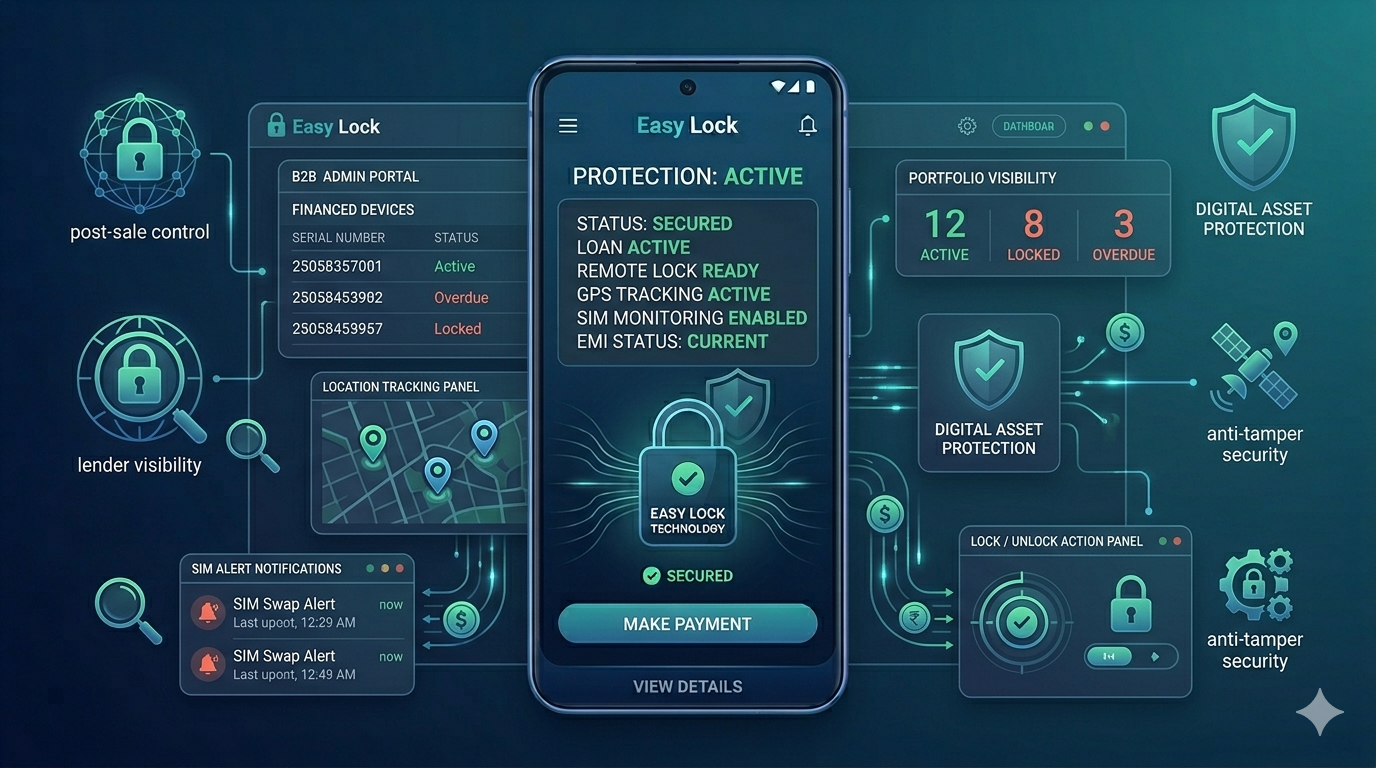
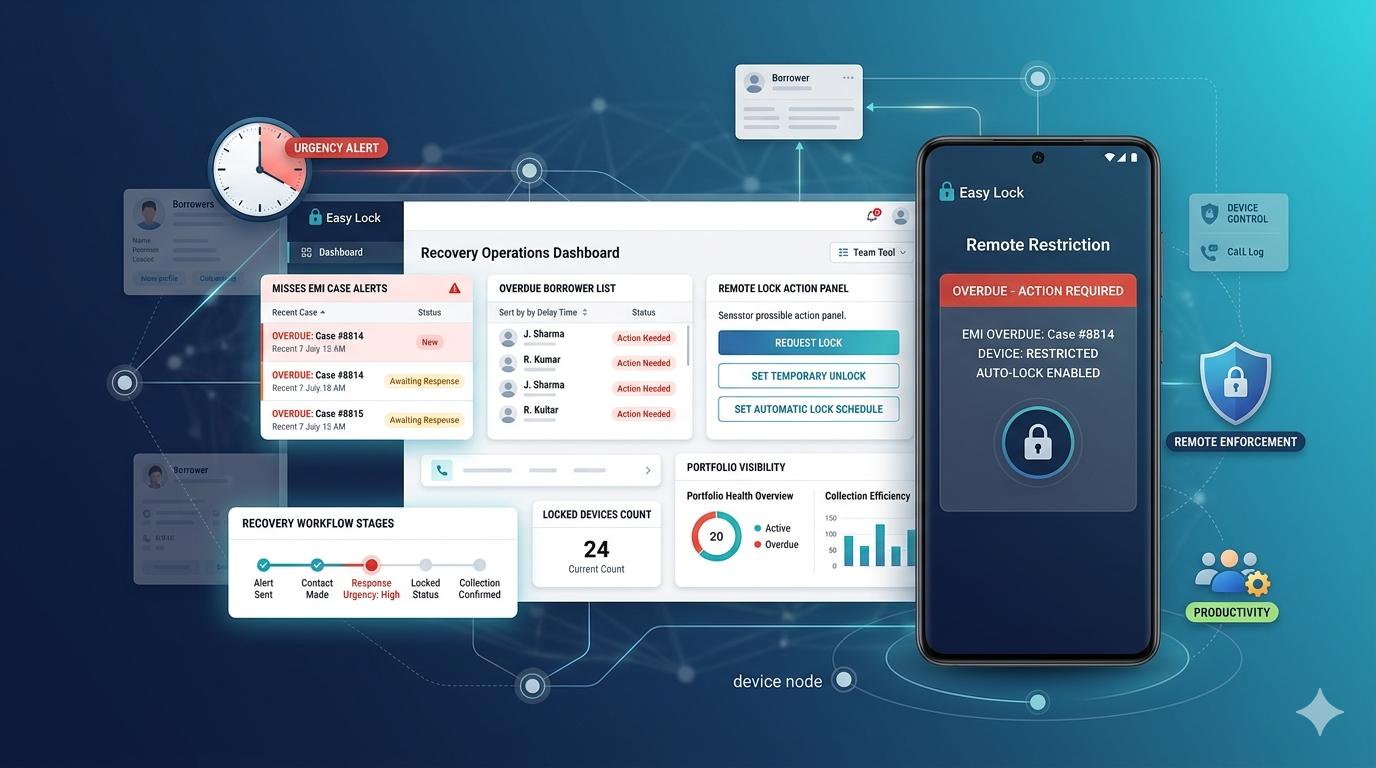
A finance lock is a device management profile installed on an Android phone that was sold on EMI or installment financing. It gives the lender remote control over the device — including the ability to restrict or lock it if payments are missed.
Finance locks are installed at the system level using Android's Device Administration or Android Enterprise features. They run silently in the background and are not visible as a regular app in the app drawer in most cases.
Signs That a Phone Has a Finance Lock
Device Admin app in settings: This is the most reliable way to check. Go to Settings ? Security (or Biometrics and Security) ? Device Admin Apps (or Device Administrators). If you see an unfamiliar app listed here — especially one with a name like "EasyLock," "Finance Lock," "Device Manager," or similar — the phone likely has a finance lock installed.
Unknown app in Settings ? Apps: Go to Settings ? Apps ? See All Apps. Look for apps you do not recognize that cannot be uninstalled. Finance lock apps typically cannot be uninstalled by the user without the lender's authorization.
MDM/management profile notice: Some Android versions show a banner or notice in the settings indicating the device is managed by an organization. If you see "This device is managed by [organization name]" or similar, a device management profile is active.
Restricted factory reset: Try accessing Settings ? General Management ? Reset ? Factory Data Reset. If you see a warning that the device will remain locked after reset, or if the option is disabled entirely, a finance lock with FRP protection is active.
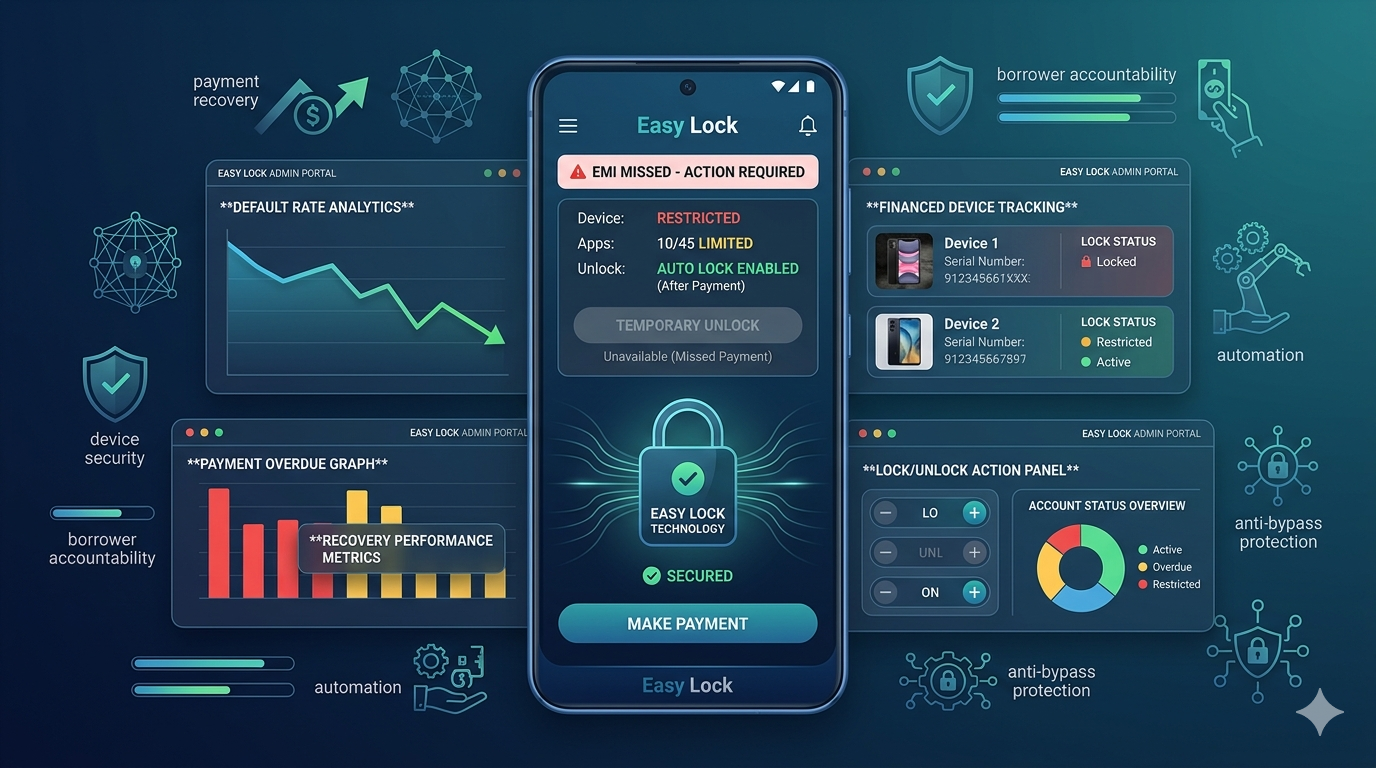
Lock screen message during payment issues: If the phone has not received an EMI payment and the lock has been triggered, a custom lock screen message from the finance company will appear clearly.
Checking Device Admin Apps — Step by Step
On most Android phones: Open Settings ? scroll to Security or Security & Privacy ? tap Device Admin Apps or Device Administrators ? review the list. Any app listed here has elevated system permissions. If you see an app you did not install yourself, note the name and search for it online to identify the finance company.
On Samsung devices, this may be under Settings ? Biometrics and Security ? Device Admin Apps. On Xiaomi/Redmi phones, look under Settings ? Passwords & Security ? Device Admin Apps.
What to Do If You Find a Finance Lock on a Second-Hand Phone
This is a critical situation. If you purchased a second-hand phone and discover it has a finance lock, it means the device was originally sold on EMI and the loan may not be fully paid off.
Do not ignore it. The lock may be inactive now but can be triggered at any time if the original borrower defaults on remaining payments.
Contact the seller immediately. Ask for proof that the loan is fully paid off and the device has been officially released by the finance company.
Verify with the finance company. The app or lock screen message should identify which company. Contact them directly with the device's IMEI number (found in Settings ? About Phone ? IMEI) to verify the loan status.
Do not buy if unsure. If the seller cannot provide clear documentation of loan clearance, do not complete the purchase. A finance locked second-hand phone can become unusable at any time.
Checking IMEI for Finance Lock Status
Some finance companies maintain IMEI databases that allow you to check if a device is under active financing. Dial *#06# on the phone to get the IMEI number. Contact the suspected finance company with this number and ask if the device is under an active loan agreement.
This is not universally available across all lenders, but major NBFCs and finance companies often support this check.
For Buyers: How to Protect Yourself When Buying Second-Hand
Always check device admin apps before completing a purchase. Ask for original purchase invoice and loan clearance certificate. Verify IMEI status where possible. Insist on a brief test period before finalizing payment for higher-value devices.
The growing use of finance lock software across India's mobile market means second-hand phone buyers need to be more vigilant than ever before.
Conclusion
Checking for a finance lock takes under two minutes through the Device Admin Apps section in your phone's security settings. For new phones you purchased on EMI, the presence of a finance lock is expected and disclosed. For second-hand phones, an undisclosed finance lock is a serious red flag that requires resolution before the device can safely be used.
If you confirmed the lock and need to remove it, read how to remove EMI lock from phone — the right way. For the unlock process specifically, see how to unlock an EMI locked phone. Want to understand why the lock exists? Read what is a finance lock app.
Download EasyLock on Google Play
Join 50,000+ lenders and retailers protecting financed devices across India.