How to Remove EMI Lock / Finance Lock from Phone — The Right Way

Searching for how to remove an EMI lock or finance lock from your Android phone? This guide explains what works, what does not, and the only legitimate path to permanently removing a finance lock.
Can You Simply Uninstall an EMI Lock App?
No. EMI lock apps are installed as Device Administrator apps — a system-level permission on Android that prevents normal uninstallation. You cannot remove them from Settings ? Apps the way you uninstall regular apps.
If you try Settings ? Apps and find the finance lock app, the Uninstall button will be greyed out or missing. This is by design. The app is protected at the system level by Android's Device Administration framework.
Does a Factory Reset Remove an EMI Lock?
No — not on properly built finance lock apps. Modern EMI lock software uses FRP (Factory Reset Protection) to survive factory resets. When you factory reset a phone with a finance lock, the lock reinstates itself during the setup process using FRP. The device will ask for the admin account and remain locked.
Attempting a factory reset on a financed phone without lender authorization will not remove the lock and may trigger additional security flags in the lender's system.
The Only Legitimate Way to Remove an EMI Lock
An EMI lock or finance lock can only be permanently removed by the lender or finance company that installed it, through their management platform. This happens in two scenarios:
Scenario 1 — Loan fully paid off: Once all EMI installments are completed and the loan is closed, the lender should remove the device from their management platform. The finance lock app is either uninstalled remotely or deactivated. You should receive confirmation that the device has been released.
Scenario 2 — Early loan closure: If you pay off the remaining loan balance early, request a No Objection Certificate (NOC) or loan closure letter from the lender, and ask them to remove the finance lock from your device at the same time.
In both cases, request written confirmation that the device has been fully released from the finance lock platform.
Step-by-Step: Getting the Finance Lock Removed After Full Payment
Step 1: Confirm your final EMI has been paid and the loan account is closed. Get a loan closure acknowledgment from the lender.
Step 2: Contact the lender and specifically request device release from their management platform. Some lenders do this automatically; others require a manual request.
Step 3: The lender sends a remote de-enrollment command to your device. The finance lock app is disabled or removed.
Step 4: Verify by checking Settings ? Security ? Device Admin Apps. The finance lock app should no longer appear there, or should show as inactive.
What About "EMI Lock Remove Tools" Found Online?
Avoid them entirely. Tools claiming to remove EMI locks without lender authorization are either scams (they will take your money and do nothing) or they exploit device vulnerabilities (which is illegal and risks permanently bricking your phone).
No legitimate third-party tool can bypass a properly implemented finance lock with FRP protection. Anyone claiming otherwise is misleading you.
What If the Finance Company Has Closed or Is Unreachable?
This is a genuine problem that some users face, especially with smaller retailers. Steps to try:
Check your original purchase invoice for the parent finance company — even if the retailer has closed, the NBFC or finance company behind the loan may still be operating. Search for the lender's name shown in the Device Admin Apps section and contact them directly. If the NBFC is regulated by RBI, you can file a complaint through the RBI Ombudsman if they fail to release the device after loan closure. Reach out to the phone manufacturer's customer service — in some cases, they may be able to help if the lender's platform is defunct.
For Lenders: Responsible Device Release Process
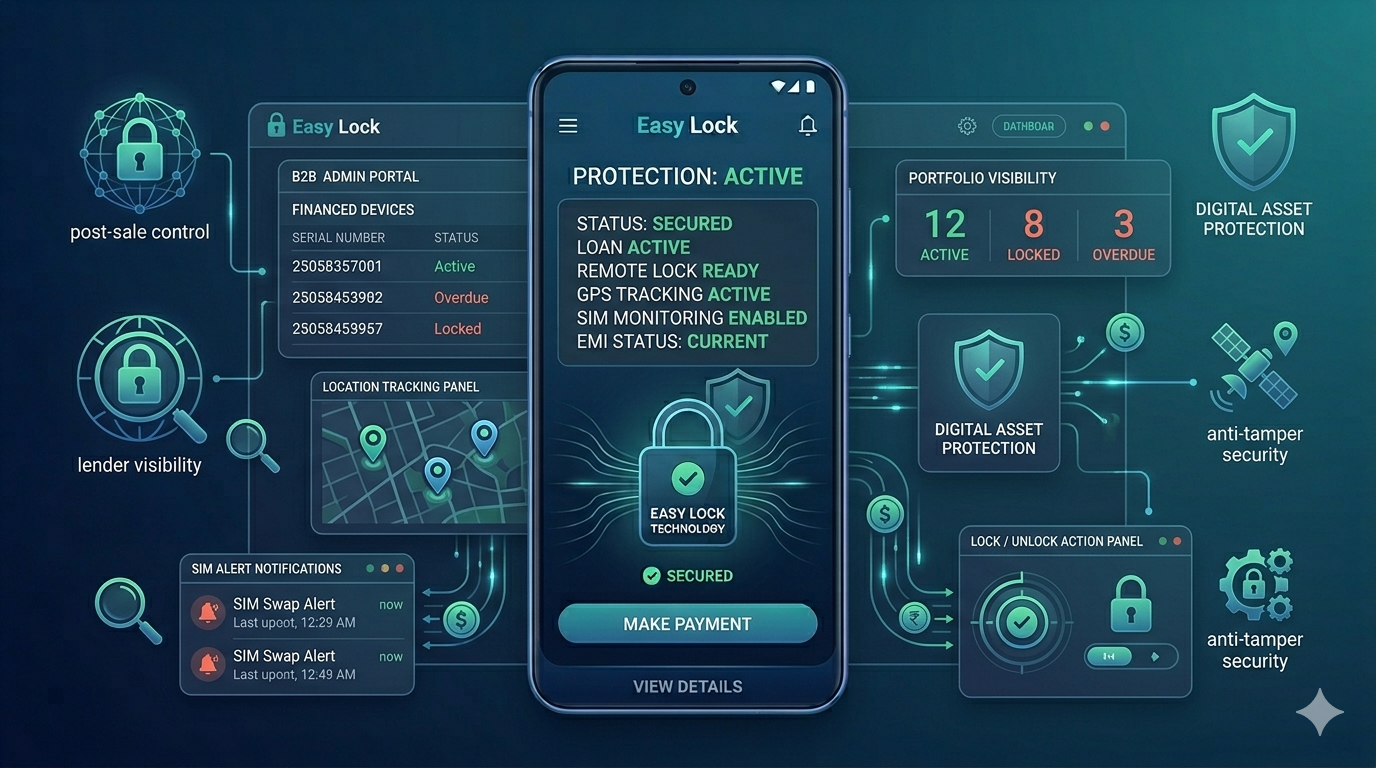
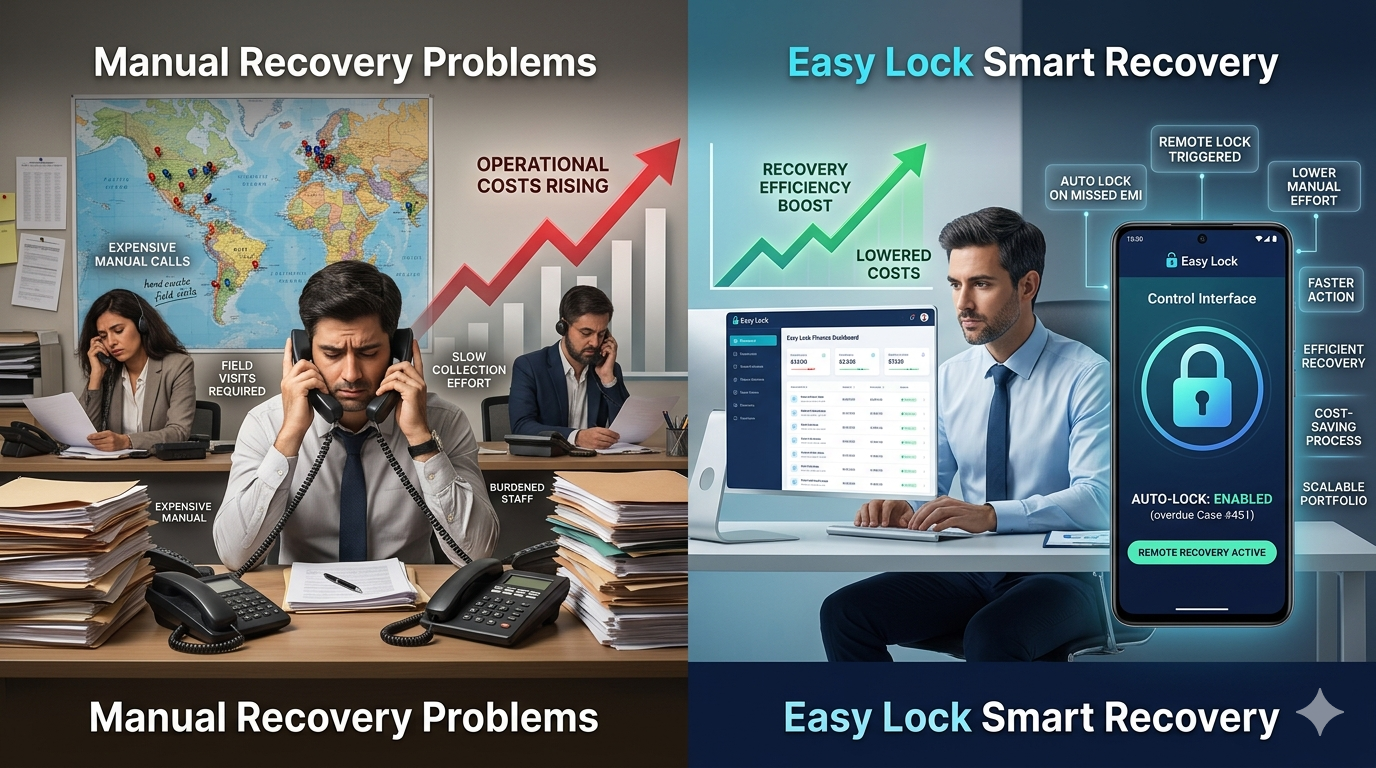
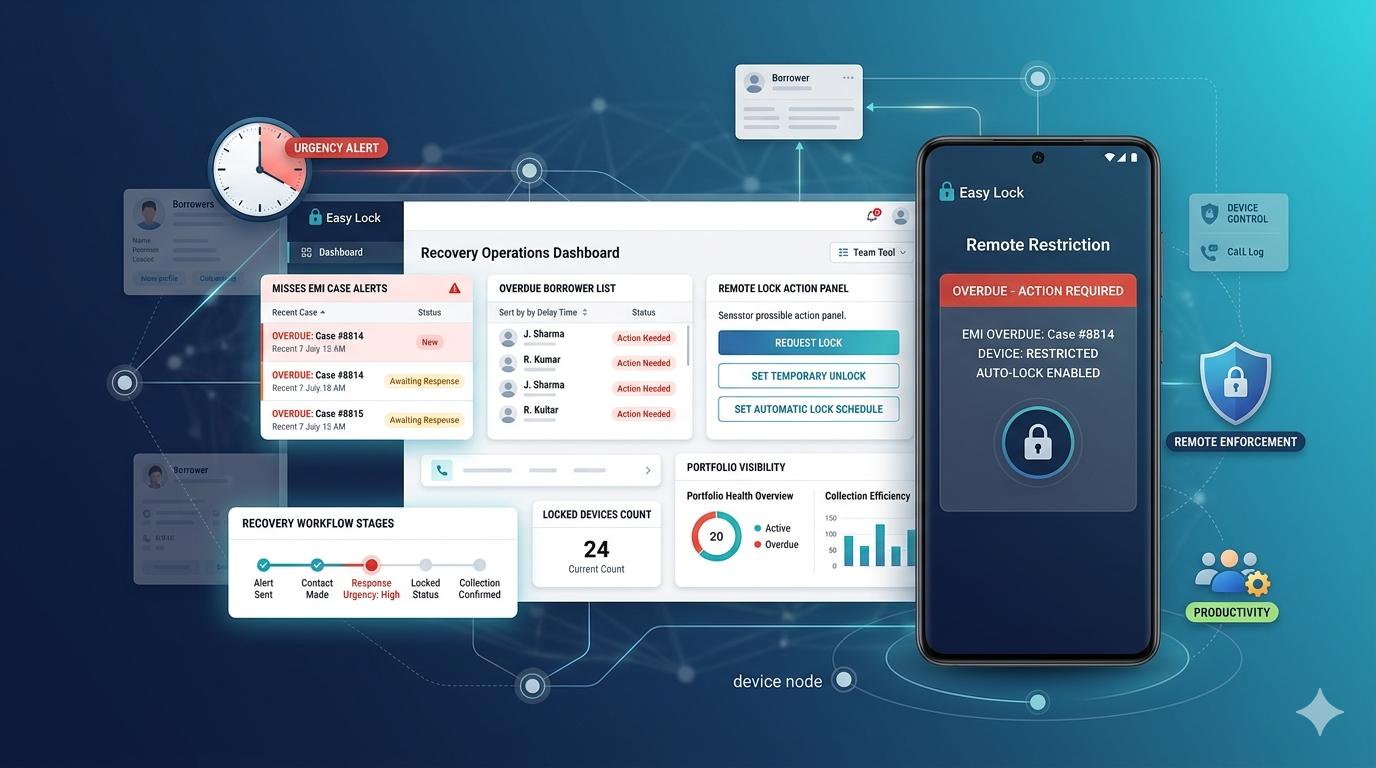
Professional EMI lock platforms like EasyLock include automated device release when a loan is marked as closed. Borrowers should never have to chase the lender to get their device released after paying off the loan. Responsible lenders set up automatic de-enrollment on loan closure — this protects the lender's reputation and ensures a positive customer experience at the end of the financing relationship.
Conclusion
The only way to permanently and legitimately remove an EMI lock from your phone is through the lender who installed it, after the loan is fully paid or closed. Factory resets and third-party tools do not work on properly protected devices. If you have paid off your loan and the lender has not released your device, follow up directly with the finance company and request formal device de-enrollment.
Related guides: how to unlock an EMI locked phone walks through the step-by-step process after your lender approves it. If you are unsure whether your device is locked at all, see how to check if your phone has a finance lock. For context on why these locks exist, read what is an EMI lock app.
Download EasyLock on Google Play
Join 50,000+ lenders and retailers protecting financed devices across India.