Samsung Finance Lock Explained — EMI Lock on Samsung Phones
Many Samsung phone users in India encounter finance lock — either through Samsung Finance Plus or through third-party lenders who financed their Samsung device. This guide explains what Samsung finance lock is, how it works, and how to get it removed.
What Is Samsung Finance Plus Lock?
Samsung Finance Plus is Samsung's own device financing program in India. When you purchase a Samsung phone through their official EMI program, Samsung can install device management software that allows the phone to be restricted if EMI payments are missed.
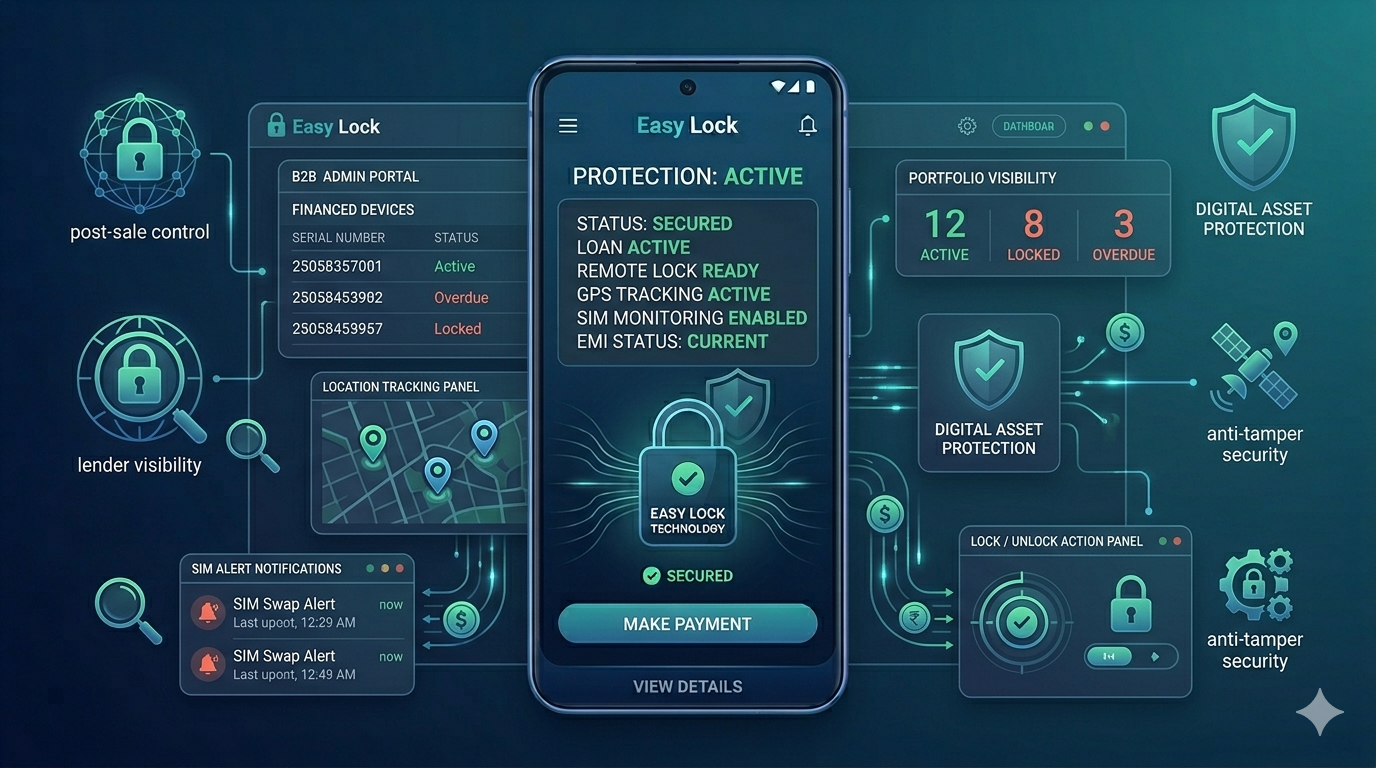
This is separate from third-party finance locks — where an NBFC, bank, or retailer uses their own EMI lock app (like EasyLock) on a Samsung device purchased through their financing program.
Both types of finance lock work on the same Android Device Administration principle — but they are managed by different entities (Samsung vs. your lender/retailer).
How Samsung Finance Lock Works
When you buy a Samsung phone through Samsung Finance Plus or an authorised Samsung EMI program, device management software is enrolled on the device. This software connects to the finance provider's backend system.
If an EMI payment is missed, the finance provider sends a lock command. The Samsung phone displays a restriction screen with payment instructions and a contact number. The phone can be unlocked once the outstanding payment is made and confirmed.
Samsung's own financing program also uses Knox — Samsung's enterprise security platform — which provides deep hardware-level device management beyond standard Android features. This makes Samsung Finance Plus locks particularly robust against bypass attempts.
How to Remove Samsung Finance Lock After Loan Is Paid
Once your Samsung Finance Plus loan or any other EMI program for your Samsung phone is fully paid off:
Step 1: Get loan closure confirmation from your lender or Samsung Finance Plus.
Step 2: Request device de-enrollment from the finance program. For Samsung Finance Plus, contact Samsung customer care with your device IMEI and loan closure reference.
Step 3: The finance provider removes your device from their management platform. The Samsung Finance Plus app is either deactivated or uninstalled remotely.
Step 4: Verify the removal by checking Settings ? Biometrics and Security ? Device Admin Apps. The finance management app should no longer be listed as active.
How to Delete Samsung Finance Plus App
You cannot manually delete the Samsung Finance Plus app while it is active as a Device Admin app. The process to remove it:
First, ensure the loan is fully paid and get closure confirmation. Then contact Samsung Finance Plus customer care and request device release. Once they de-enroll the device remotely, the app can be disabled or removed. If the app is still showing after de-enrollment, go to Settings ? Apps ? Samsung Finance Plus ? Disable.
Do not attempt to remove the app while the loan is still active — this will not work and may flag your account.
Samsung Phone Bought Through Third-Party Lender with EMI Lock
If you bought your Samsung phone through an NBFC, bank, or retailer (not directly through Samsung Finance Plus), and it has an EMI lock — the lock is managed by that lender, not Samsung. Contact the lender shown on your lock screen for payment and unlock. Samsung customer care cannot assist with third-party finance locks on Samsung devices.
For Retailers: Using EasyLock on Samsung Phones
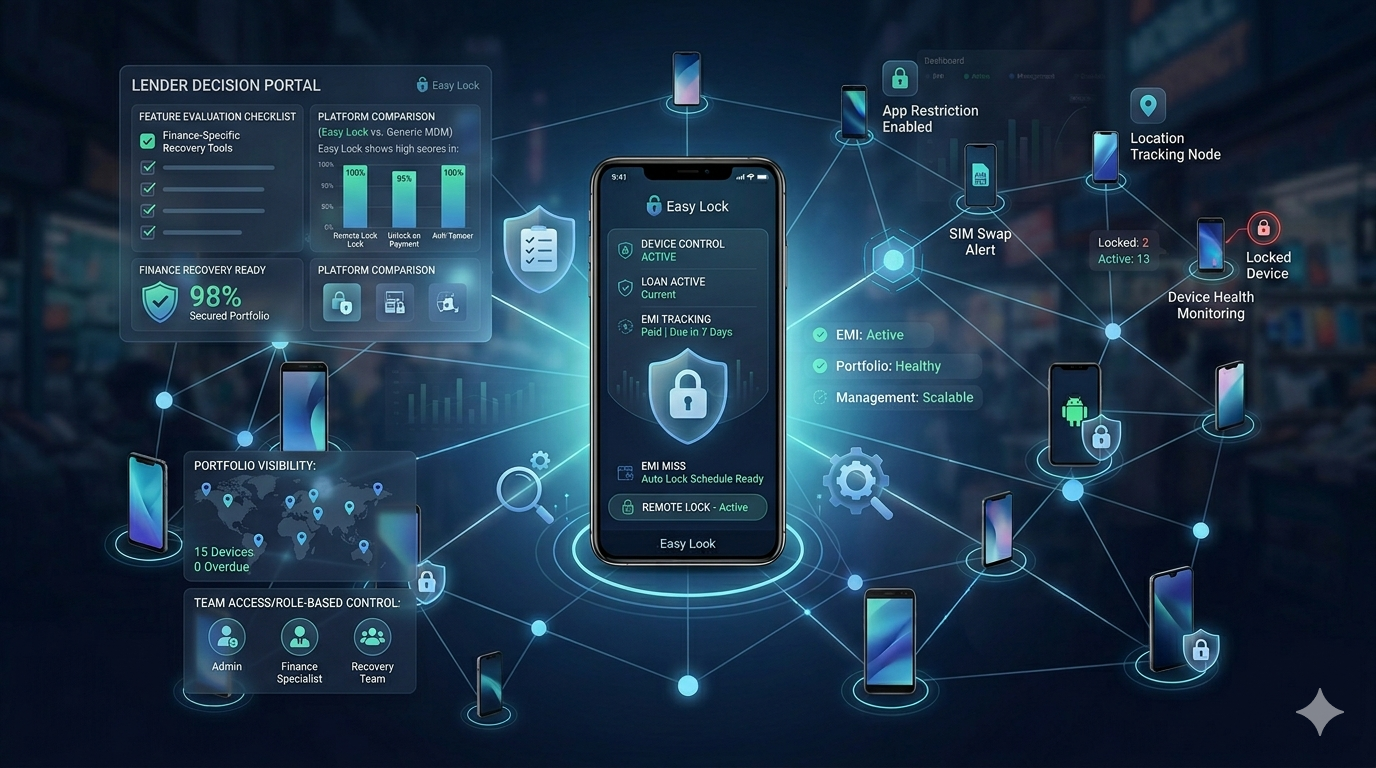
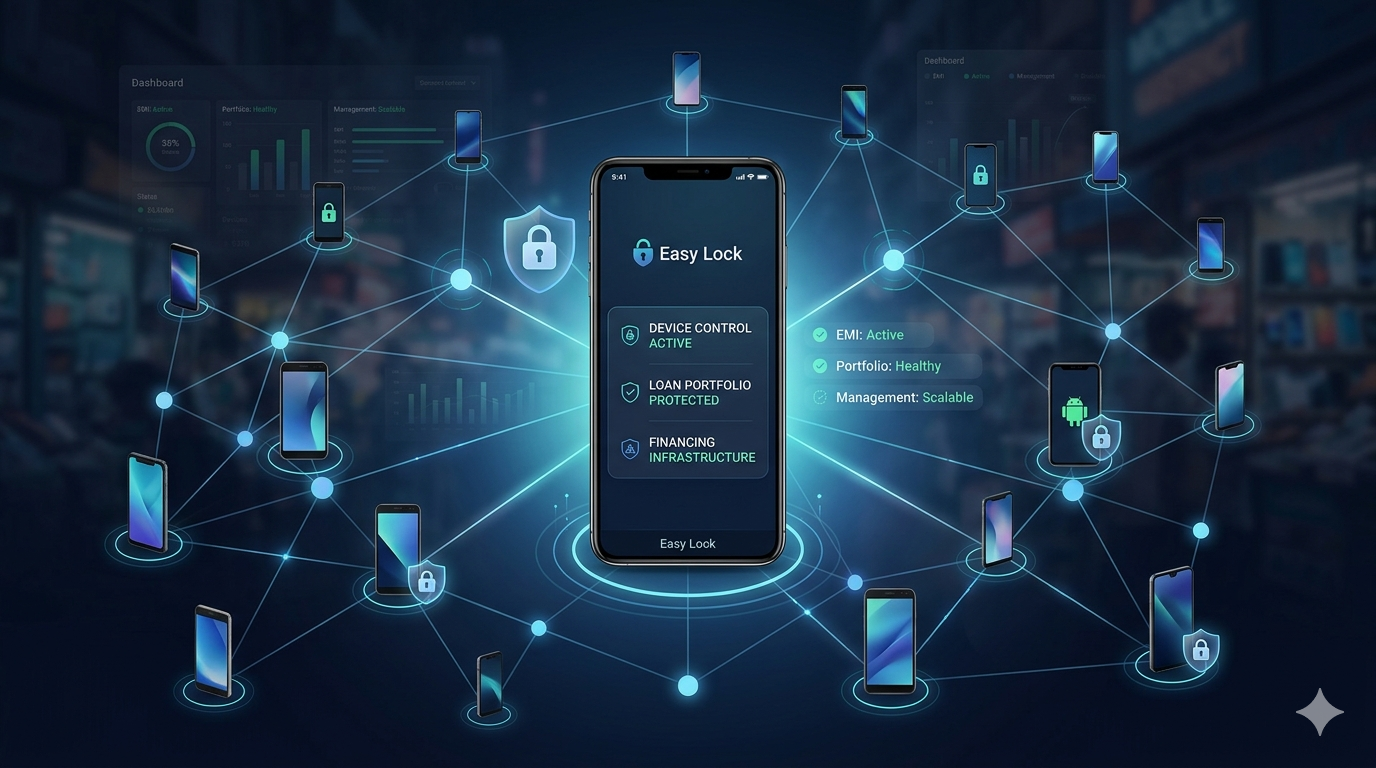
EasyLock works on all major Android brands including Samsung, Vivo, Oppo, Realme, Xiaomi, and more. If you are a retailer selling Samsung phones on EMI through your own financing program, EasyLock can be enrolled on Samsung devices as easily as any other Android phone. One QR enrollment, full FRP protection, and remote lock/unlock — all working seamlessly on Samsung's Android platform.
Conclusion
Samsung finance lock — whether through Samsung Finance Plus or a third-party lender — works on the same principle as all EMI lock apps: tied to your loan, manageable only by the lender, and removable only after loan closure. If your Samsung phone is locked, contact the lender shown on the lock screen. If your loan is paid and the lock is still active, contact Samsung Finance Plus customer care with your loan closure proof.
Related: how to remove EMI lock from phone covers the complete de-enrollment process for all brands. For a general guide, see how to unlock an EMI locked phone. Want to compare how other third-party lenders lock phones? Read what is a finance lock app.
Download EasyLock on Google Play
EasyLock works on Samsung, Vivo, Oppo, Xiaomi and all Android phones.