App Blocking on EMI Lock — How to Restrict Apps on Financed Phones
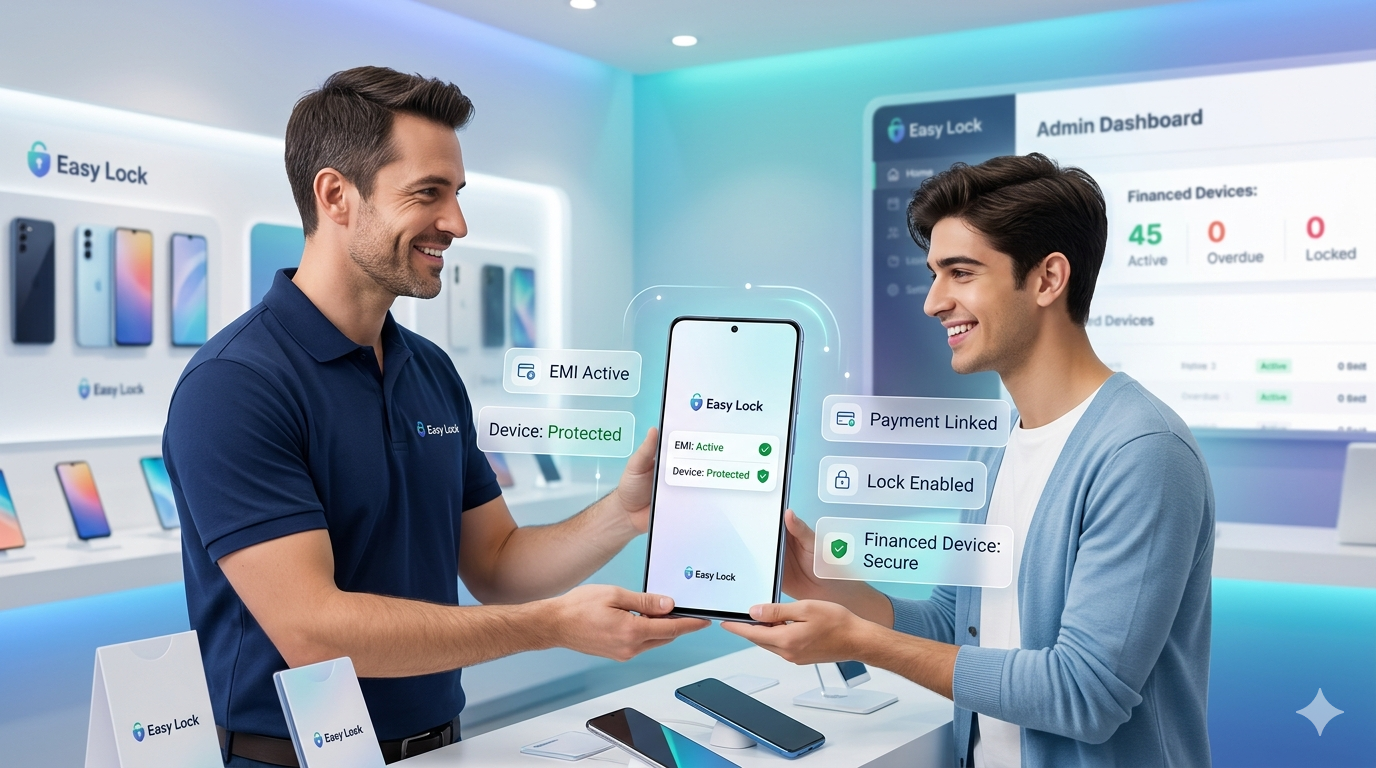
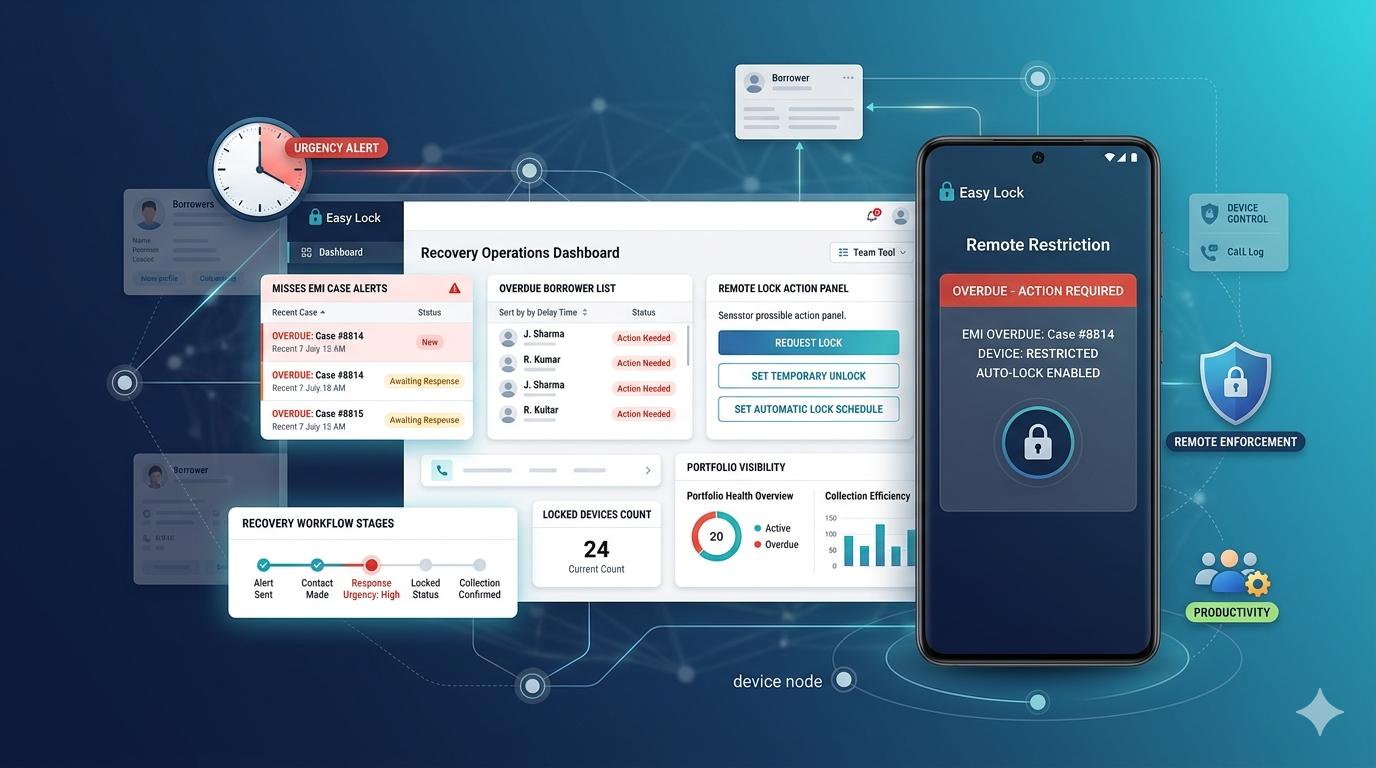
A full device lock is the strongest enforcement tool in EMI collection — but it is not always the right first step. App blocking on financed phones gives lenders a graduated response: restrict specific apps (social media, streaming, camera) on overdue accounts before escalating to a full lock. This staged approach often triggers payment without the disruption of a full lock, and is explicitly supported under RBI's 2027 staged restriction framework.
What Is App Blocking on a Financed Phone?
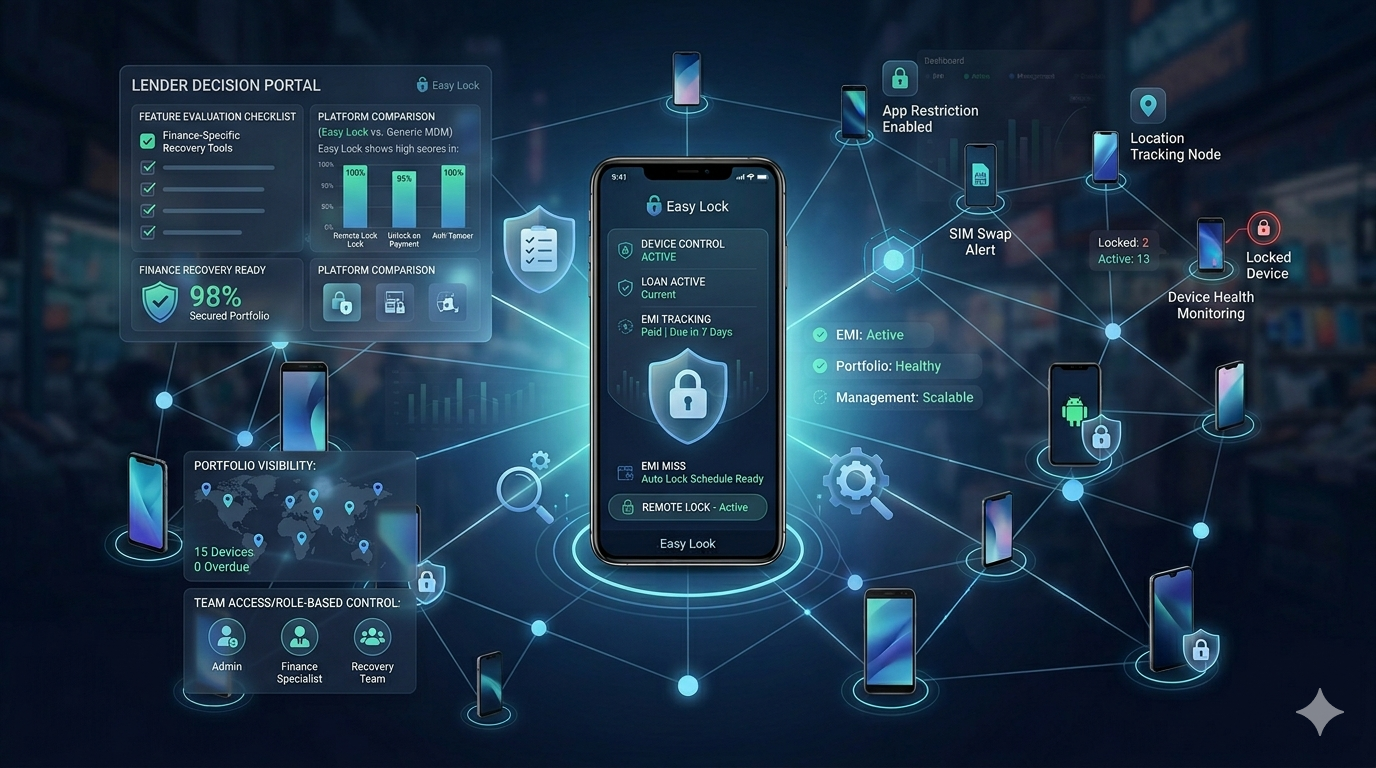
App blocking allows the lender to remotely disable access to specific applications on the customer's phone — for example, blocking Instagram, YouTube, or the camera — while leaving core functions like calling, SMS, and banking apps active. The customer can still use the phone for essential functions, but the restriction on non-essential apps creates a clear signal that action is needed.
Why Staged Restrictions Work Better Than Immediate Full Lock
- Lower friction: Customers who can still make calls and pay digitally have an easier path to resolution
- Higher early recovery: Many customers pay within 24–48 hours of app restriction without escalation to full lock
- RBI alignment: The RBI 2027 framework explicitly requires staged restrictions before full device lock — app blocking satisfies the first stage requirement
- Better customer relationship: A full lock creates confrontation; a soft restriction creates urgency without destroying the relationship
EasyLock's Staged Restriction Approach
EasyLock supports a configurable multi-stage response to EMI overdue situations:
- Day 1–3 overdue: Automated payment reminder (SMS and push notification) — no restriction
- Day 4–7 overdue: App-level restrictions — block social media, streaming, or camera apps as configured
- Day 8–30 overdue: Escalated app restriction — broader app blocking, persistent payment reminder notification
- Day 30+ overdue: Full device lock — complete access restriction except emergency calls
Each stage is configurable per loan product. Lenders can skip stages or compress timelines based on their risk policy.
Which Apps Can Be Blocked?
EasyLock can block any app installed on the device by package name. Common configurations include:
- Social media: Instagram, Facebook, Snapchat, Twitter/X, ShareChat
- Streaming: YouTube, Netflix, Hotstar, Amazon Prime Video, MX Player
- Camera: default camera app and third-party camera apps
- Games: any specific app by package name
Core functions — calling, SMS, UPI payment apps, banking apps, and emergency services — are never blocked and remain accessible at all restriction stages.
RBI Compliance and App Blocking
RBI's 2027 framework requires that staged restrictions precede full device lock, that emergency services remain accessible at all stages, and that the customer receives 7 days advance notice before full lock. EasyLock's staged restriction system is designed to satisfy all three requirements while giving lenders effective enforcement tools.
To configure staged restrictions and app blocking for your EMI portfolio, contact EasyLock at easylock.in/contact-us or call +91 8637-0273-56. Also read: app restriction and selective locking guide and RBI EMI lock rules 2027.
EasyLock — Staged Restrictions & App Blocking
Graduated EMI enforcement. RBI-compliant. Configurable per loan product.