How Does EMI Lock Work for Lenders? A Technical Overview
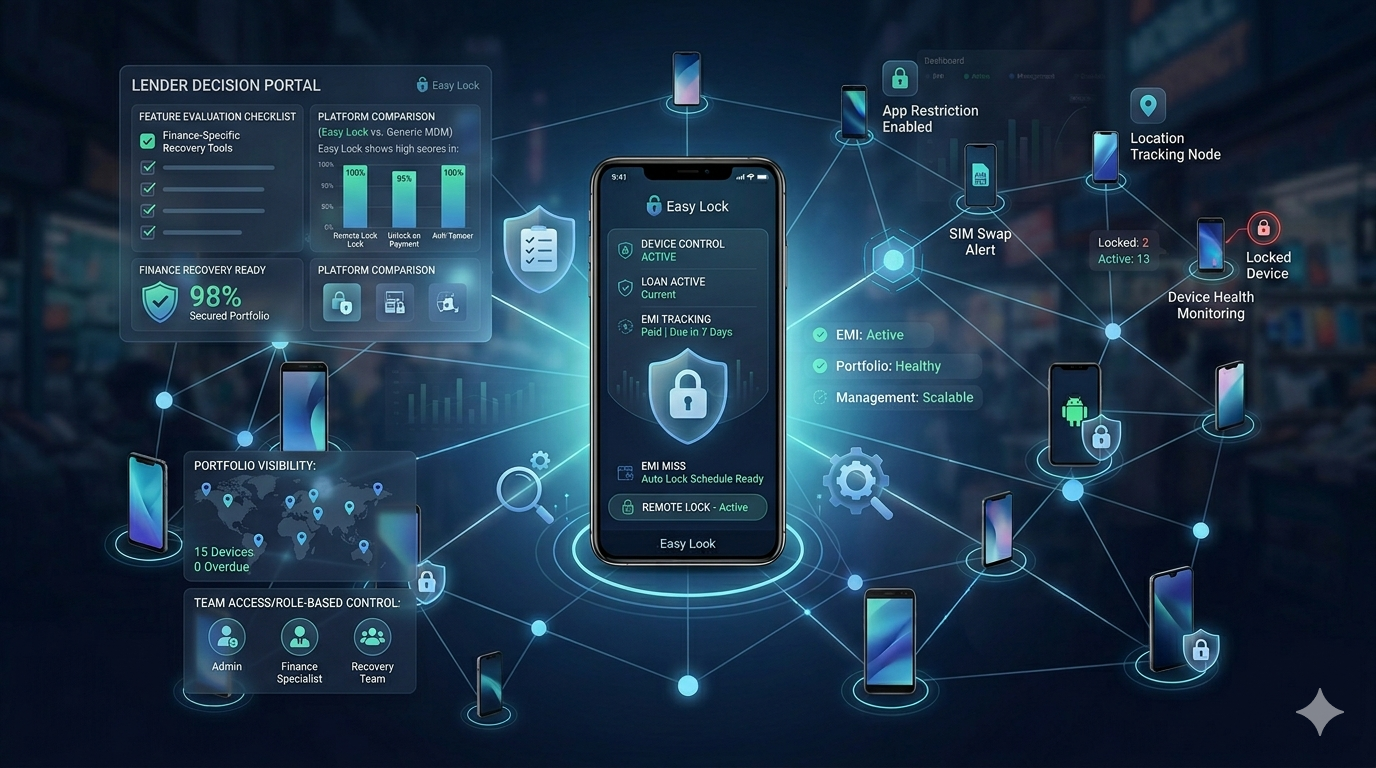
Finance teams evaluating EMI lock software for mobile loan portfolios need a clear picture of how the technology actually works — not just what it claims to do. This guide explains exactly how EMI lock works for lenders — the technical architecture, the enrollment process, how remote locking is achieved, what happens to the device, and how the unlock workflow operates. Based entirely on how EasyLock functions in production across thousands of active devices.
Step 1 — Device Enrollment at Point of Sale
EMI lock begins at the moment the financed phone is handed to the customer. The EasyLock app is installed on the device before handover. The customer scans a QR code generated by the lender's EasyLock account — this links the device to the loan record and captures the customer's consent digitally. The enrollment takes under 2 minutes. The customer sees exactly what the lock does and acknowledges the terms.
At enrollment, EasyLock registers itself as an Android Device Administrator — this prevents standard app removal. On Android Enterprise devices, EasyLock can enroll as Device Owner for deeper control.
Step 2 — The EMI Schedule and Grace Period
The lender configures the EMI schedule in EasyLock — due dates, amounts, and grace period. EasyLock monitors payment status. Automated SMS reminders go out to the customer before the due date. If payment is not confirmed by the end of the grace period, the system flags the account for lender action.
Step 3 — Remote Lock Command
The lender issues a lock command from the EasyLock dashboard — a single click on the account. EasyLock's server sends a push notification to the device. The device receives the command and activates the lock screen within under 1 second on an active connection. The lock is implemented at the Android system level — it replaces the home launcher, preventing access to all apps and settings.
Step 4 — The Locked Device Experience
A locked EasyLock device shows a full-screen payment reminder — customised with the lender's name, message, and contact number. The customer can:
- Make and receive emergency calls (100, 112, and the lender's listed contact number)
- See the payment instructions and outstanding amount
Everything else — apps, settings, camera, browser — is inaccessible. The device cannot be factory reset without triggering FRP protection, which requires the original Google account to restore.
Step 5 — Offline Lock Capability
If the device is offline when the lock command is issued, EasyLock queues the command. The lock activates within seconds of the device connecting to any network. Additionally, EasyLock supports time-based local lock — the device locks itself if it does not receive a renewal signal by a configured date, regardless of server connectivity.
Step 6 — Unlock After Payment
When the customer pays, the lender confirms payment in the EasyLock dashboard and issues an unlock command. The device unlocks in under 1 second. If the lender's system is connected via API, the unlock can be triggered automatically when payment is registered — zero manual action required.
API Integration for Automated Workflows
EasyLock provides a REST API that connects to any loan management system or CRM. The API supports: device enrollment, lock command, unlock command, status check, event webhook, and bulk operations. Lenders who integrate the API can automate the entire lock/unlock cycle — no manual intervention at scale.
For API documentation, integration support, or a technical demo, contact EasyLock at easylock.in/contact-us or call +91 8637-0273-56. Also read: EMI lock API integration with loan management systems and Android device management for EMI financing.
EasyLock — EMI Lock for Lenders
Sub-second lock. Offline capable. API-ready. RBI compliant.