Offline EMI Lock — How to Lock Financed Phones Without Internet Connection
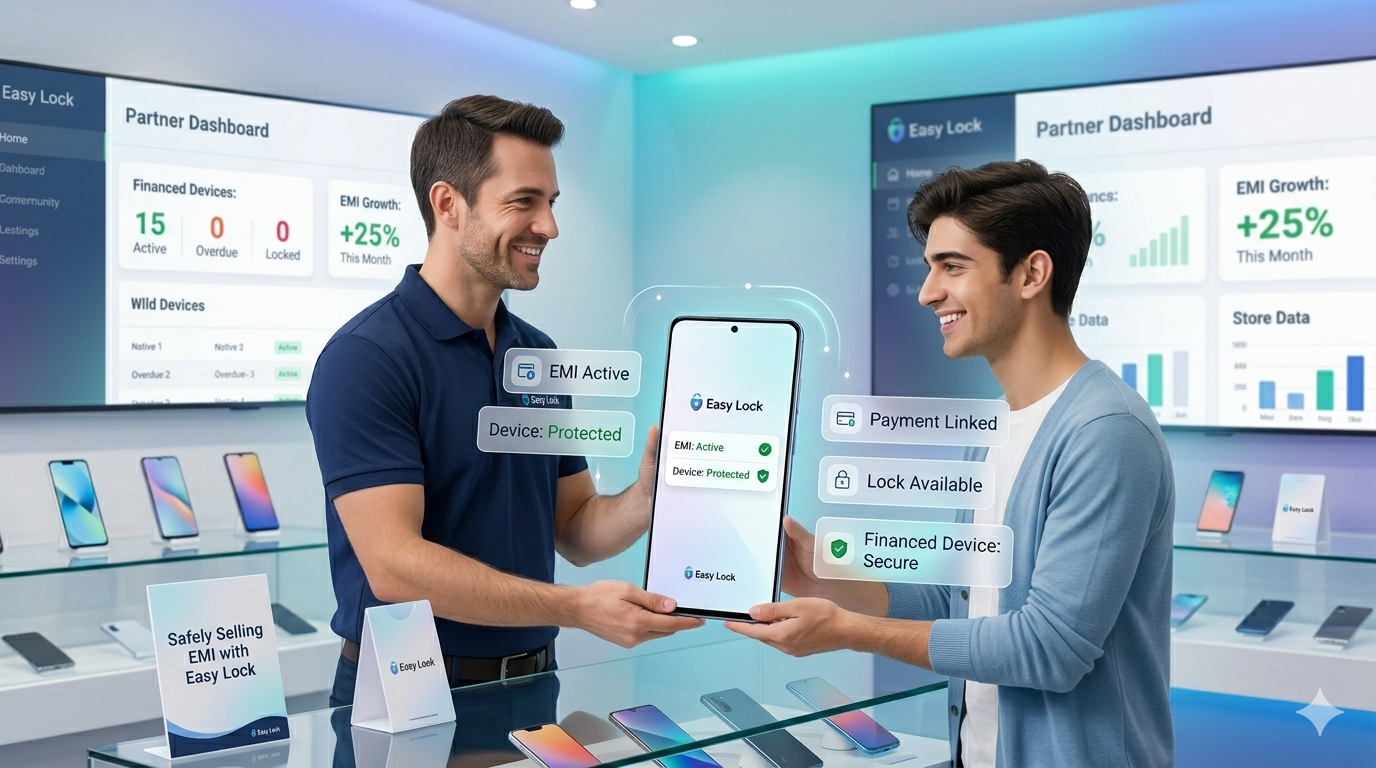
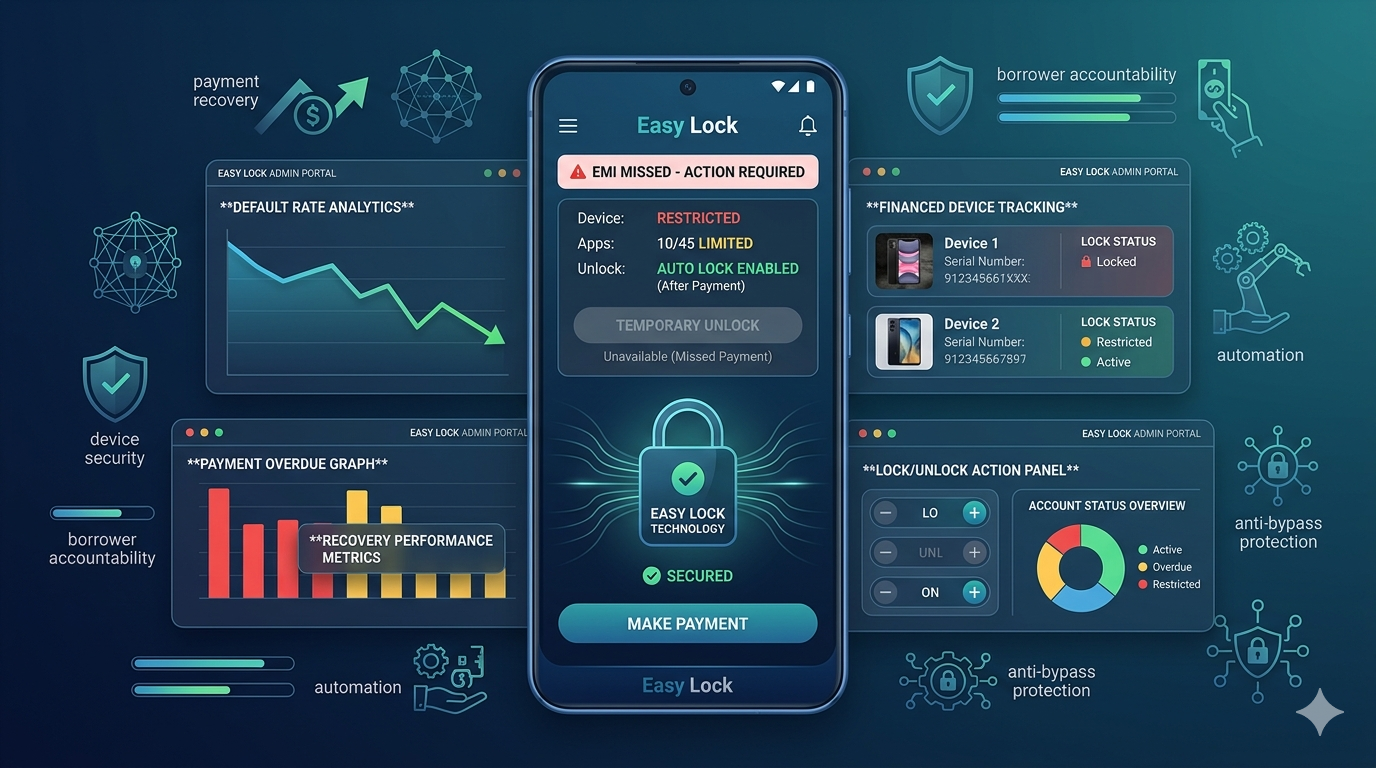
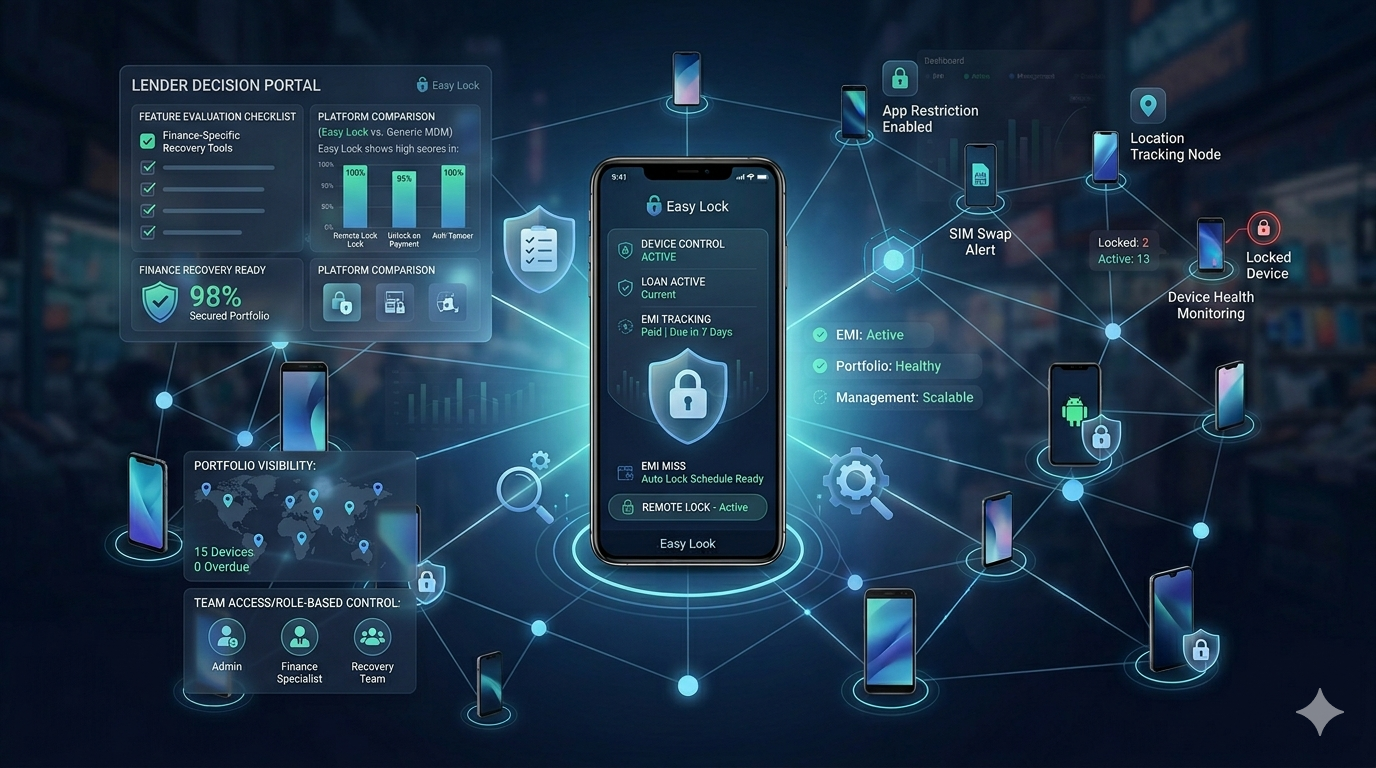
A common concern for retailers and lenders in India is this: what happens if the customer turns off their mobile data, or lives in an area with poor internet connectivity? Can the EMI lock still be enforced? With EasyLock, the answer is yes. EasyLock's offline EMI lock works through two independent mechanisms — queued command delivery and time-based auto-lock — ensuring your financed devices are protected even without active internet connectivity.
The Connectivity Problem in Indian Mobile Financing
India has one of the world's largest mobile user bases, but connectivity is uneven. In rural and semi-urban areas, data connections drop regularly. Many budget smartphone users in tier 3 cities and villages are on prepaid plans and may not have active mobile data for days at a time. A remote lock that only works when the phone has internet has a significant real-world gap for these customers.
Additionally, some customers deliberately turn off mobile data when they know an EMI payment is overdue — a deliberate attempt to avoid the lock. A well-designed EMI lock system must handle both scenarios.
EasyLock's Two Offline Lock Mechanisms
Mechanism 1 — Queued Command Delivery
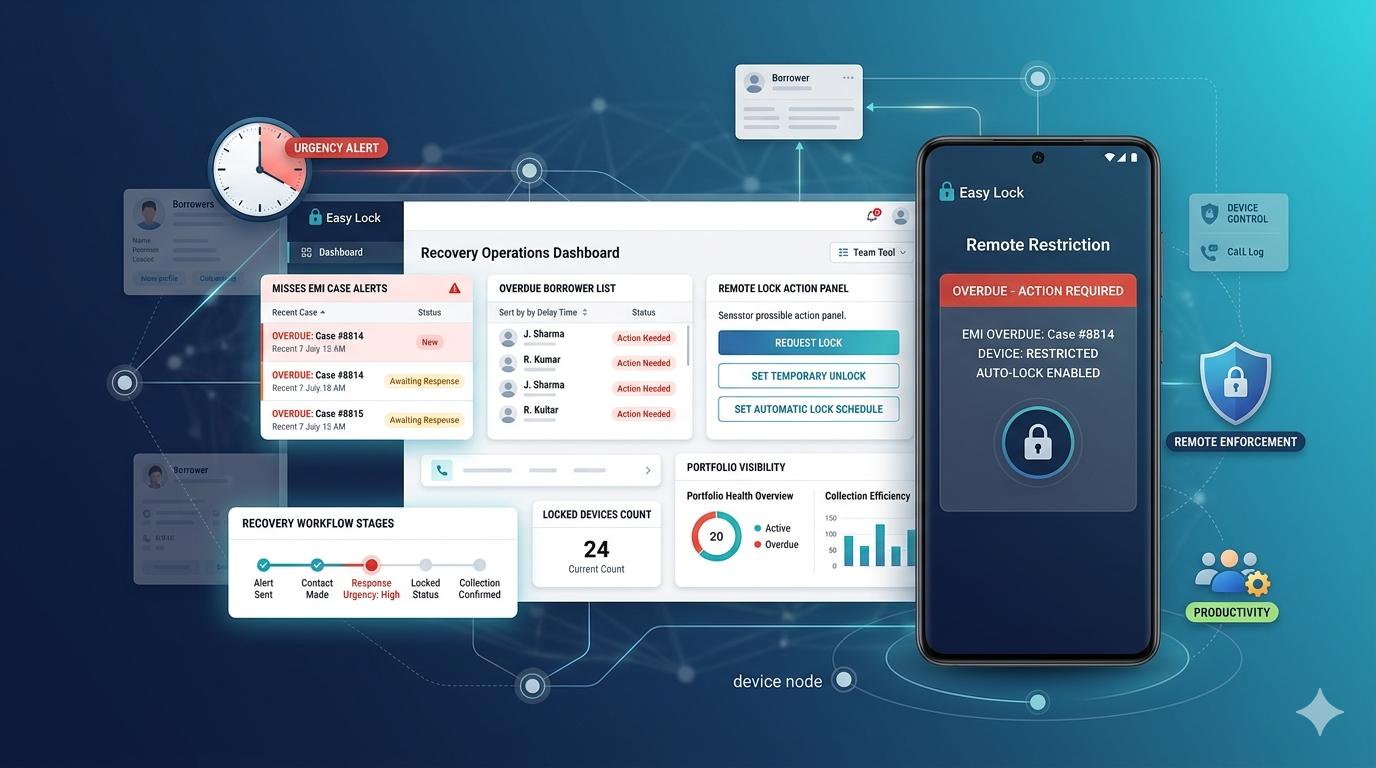
When you issue a lock command from the EasyLock dashboard, the command is sent immediately to EasyLock's servers. If the device is currently online, the lock activates within 1 second. If the device is offline, the command is queued. The moment the device connects to any network — mobile data, Wi-Fi, or even a brief signal — the queued lock command is delivered and the device locks immediately. The customer cannot prevent this by simply turning off data; the lock will execute on the next connection.
Mechanism 2 — Time-Based Auto-Lock
This is EasyLock's most important offline protection. At enrollment, each device is configured with a payment schedule. The device is programmed to expect a "payment confirmed" signal by each due date. If that signal is not received by the configured date — regardless of whether the device has been online — the device locks itself automatically based on its internal clock. No server command needed. No internet needed. The device enforces the lock on schedule.
This means even a customer who has had their phone in airplane mode for 30 days will find it locked on the due date when they turn it on. The offline auto-lock cannot be bypassed by simply staying offline.
Why This Matters for Rural India
EasyLock's time-based offline lock was specifically designed for the Indian market, where a significant portion of financed device customers are in areas with intermittent connectivity. Rural retailers in states like Bihar, Uttar Pradesh, Madhya Pradesh, Rajasthan, and Northeast India have found standard internet-only lock apps unreliable. EasyLock's offline auto-lock gives these retailers the same level of protection as urban lenders — regardless of the customer's connectivity situation.
Factory Reset and Offline Lock
A related concern is factory reset attempts. If a customer tries to factory reset the device to remove the lock, EasyLock uses Android's FRP (Factory Reset Protection) — the device requires the original Google account credentials to complete setup after a reset. Even after a factory reset offline, the device cannot be reused without those credentials. This adds a second layer of protection against bypass attempts. Read more in our FRP protection guide for financed phones.
To learn more about EasyLock's offline lock capabilities or to get a demo, contact us at easylock.in/contact-us or call +91 8637-0273-56. Also read: EMI lock for rural mobile financing and offline EMI locker app guide.
EasyLock — Offline EMI Lock That Actually Works
Time-based auto-lock. Queued commands. No internet required to enforce payment.