How to Unlock a Phone Locked by Finance Company on Android
You pick up your Android phone and see a message: "This device is temporarily locked. Kindly contact your financier or retailer." Or: "This device is restricted for non-payment." Here is exactly what this means and how to get your phone unlocked fast.
What Does "This Device Is Temporarily Locked" Mean?
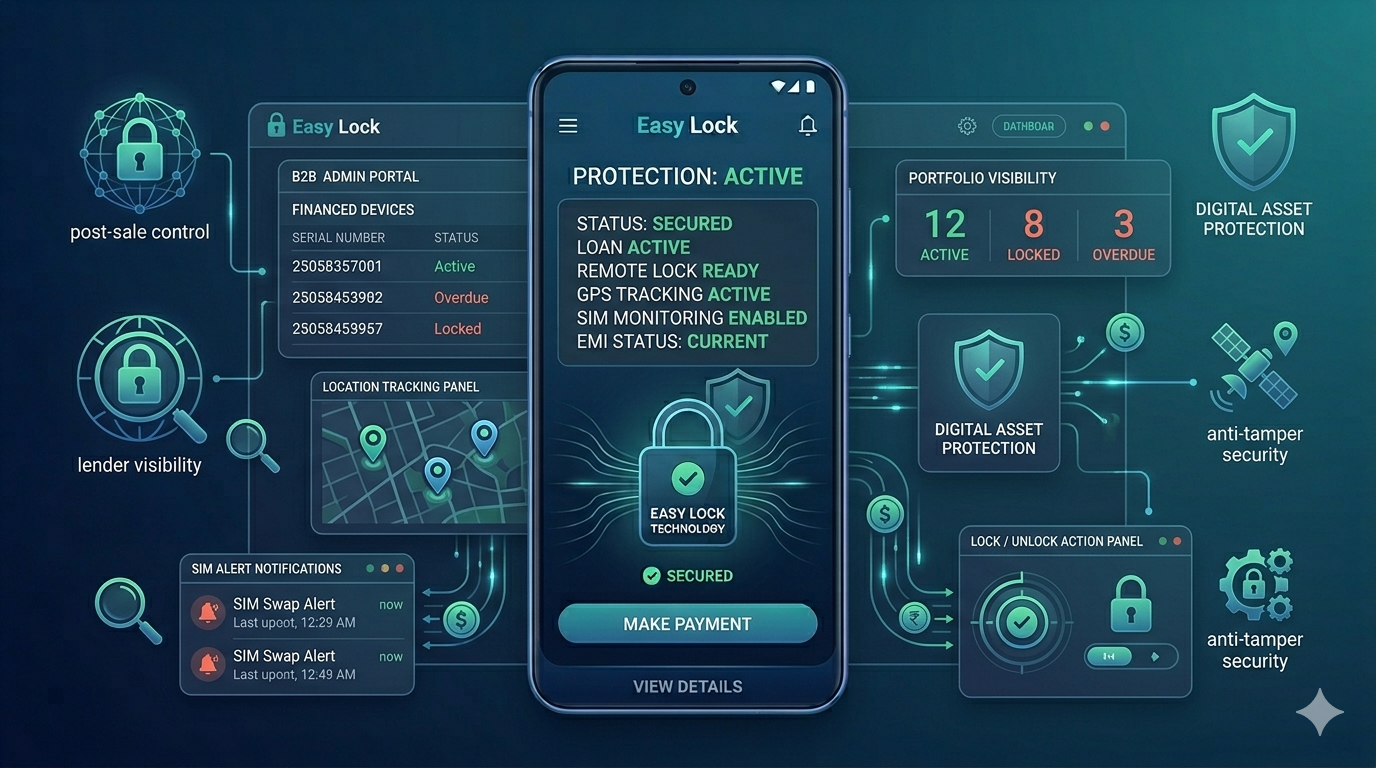
This message appears when a finance lock app installed on your device — at the time of purchase — has been activated by the finance company or retailer. It means your phone was sold on EMI, a device management app was installed as part of the financing agreement, and the lender has sent a lock command because a payment is overdue.
This is not a virus, a hack, or a phone malfunction. It is a deliberate feature of the financing agreement. The lock screen message usually includes the name of the finance company and a contact number.
Common Lock Screen Messages and What They Mean
"This device is temporarily locked. Kindly contact your financier or retailer." — An EMI payment is overdue. Contact the number shown.
"This device is restricted for non-payment." — Same situation. Your account has been flagged for missed payment.
"Your device is temporarily locked. Kindly pay your EMI and contact your retailer." — Clear instruction: pay first, then contact for unlock.
"This device is financed under a financing program." — This may appear even without a full lock, indicating the device is under active financing management.
"EMI due. Please pay to continue using your device." — Pre-lock warning. Payment is overdue but full lock has not yet been applied.
Step-by-Step: How to Unlock Your Finance-Locked Android Phone
Step 1 — Read the lock screen carefully. Note the company name and phone number shown. This is the finance company or retailer who locked the device.
Step 2 — Call the number on the screen. Even on a fully locked device, you can usually make calls to the number shown. Explain your situation and ask for the outstanding amount.
Step 3 — Confirm the overdue amount. Ask for a breakdown: which EMI is due, the amount, and any late fees. Get this in writing via SMS or WhatsApp if possible.
Step 4 — Make payment. Pay via UPI (GPay, PhonePe, Paytm), bank transfer, or the finance company's app. Always get a payment confirmation reference number.
Step 5 — Inform the lender and request unlock. Share your payment confirmation with the lender. They will send an unlock command remotely. The device typically unlocks within a few minutes.
Step 6 — No internet? Ask for offline unlock code. If your phone has no data connection, ask the lender for an offline unlock code. Enter it on the lock screen to restore access without internet.
What If You Cannot See the Contact Number?
If the lock screen does not show a clear contact number, try these steps: Check your original purchase invoice or financing agreement for the lender's customer care number. Search for the finance company's name online using another device. Visit the store where you bought the phone. Check SMS messages from the lender — they usually sent payment reminders before locking.
What If You Have Already Paid But the Phone Is Still Locked?
This can happen if the payment is still being processed. Contact the lender immediately with your payment reference number. Most lenders can verify payment and send an unlock command within minutes once confirmed. If there is a genuine delay, escalate to the lender's customer care manager.
Can You Bypass a Finance Company Lock?
No. Attempts to bypass a properly implemented finance lock through factory reset, third-party tools, or firmware flashing are ineffective and may permanently damage your device. The only way to unlock a phone locked by a finance company is through the lender's platform.
Preventing This in Future
Set up auto-debit for your EMI from your bank account. Save the finance company's customer care number when you buy the phone. If you anticipate a payment difficulty, contact the lender before the due date — most have hardship arrangements available.
For Lenders: EasyLock Makes Unlock Instant
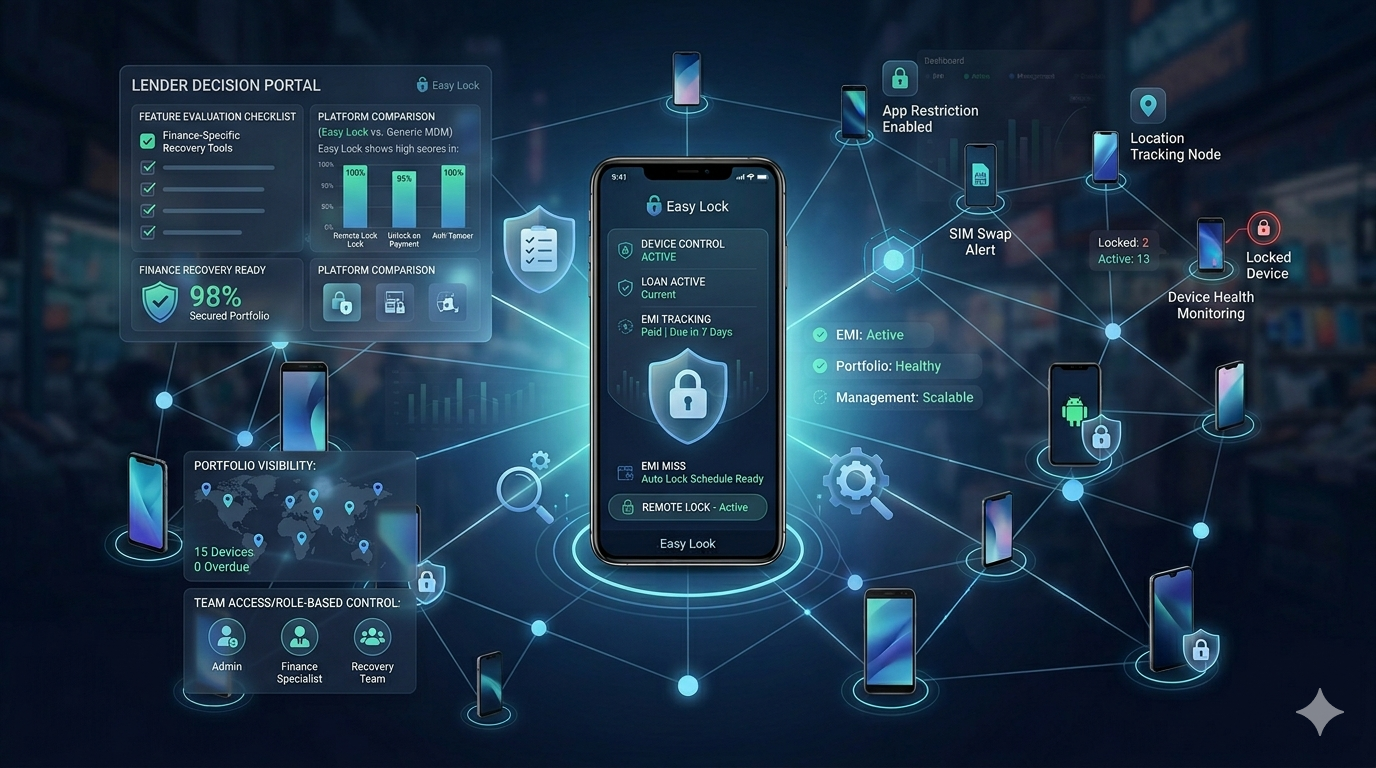
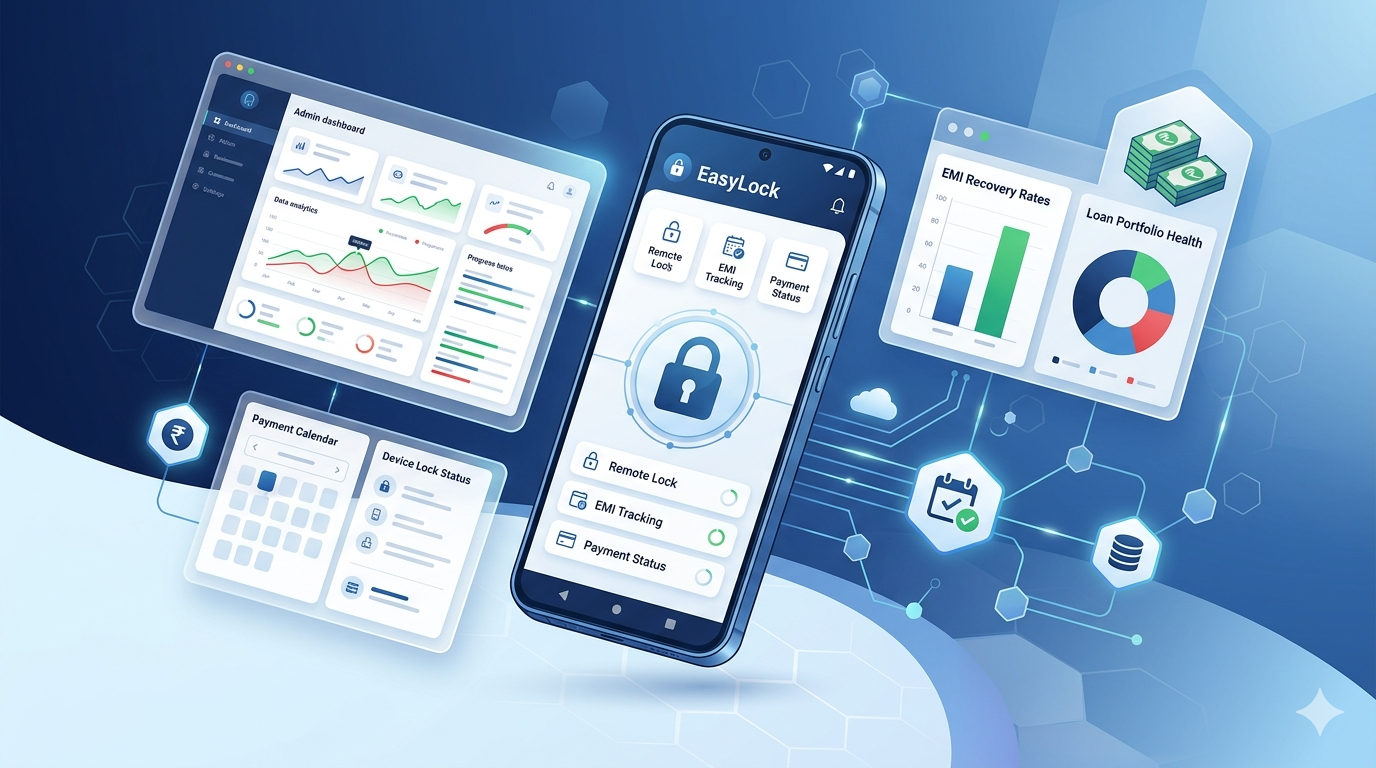
EasyLock's platform allows lenders to unlock a device within seconds of payment confirmation. No manual process, no delays. Customers get their phone back immediately, protecting the lender's reputation while enforcing payment discipline. If you are a lender looking for a fair, effective finance lock solution, contact us.
Download EasyLock on Google Play
Join 50,000+ lenders and retailers protecting financed devices across India.